Onboarding
New users are guided through workspace and fund creation immediately after their first sign-in.
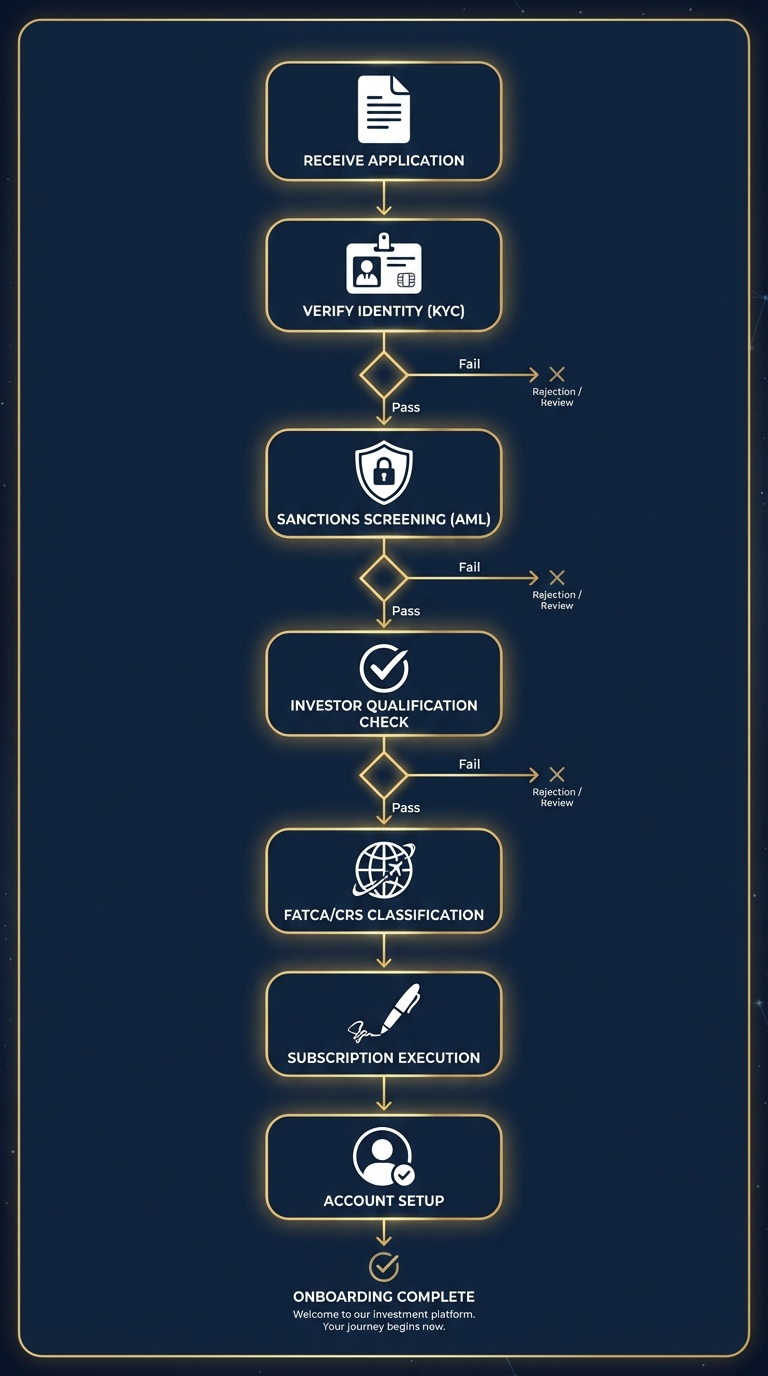
Flow
- User signs in via magic link at
/signin - On first login, the app redirects to
/onboarding - The onboarding form collects workspace name and first fund name
- Submitting fires the
createWorkspaceAndFundserver action - The server action creates the workspace record, the fund record, and sets up the workspace slug
- User is redirected to
/w/[slug]/— the workspace home page
After Onboarding
From the workspace home, users can:
- Browse to
/w/[slug]/inboxto see pending documents - Upload a PDF at
/w/[slug]/upload - View reviews at
/w/[slug]/reviews - Configure autopilot schedules at
/w/[slug]/autopilot
Data Created
The createWorkspaceAndFund action creates:
- One
workspacerow with a URL-safe slug derived from the workspace name - One
fundrow linked to the workspace
The fund(workspace_id, name) pair is unique (enforced by migration 0003).